Launch deal
MARKET20 is active for Ovion Market.Use the coupon on eligible active marketplace products.View Deals
Buyer flow
Checkout entitlement confirmedAccount access, invoice, and downloads stay connected.
Demo
AttendPro, Operix, SupportHub, OvionDesk, and TicketPro live demos are ready.Open the demo page to inspect HR operations in AttendPro, clinic operations in Operix, pro CX workflows in SupportHub, and support desk operations in TicketPro.Open Demos
Docs
Product docs are linked from each listing.Screenshots, requirements, and setup notes are available before checkout.Open Docs
Licensing
Launch licenses are available for active products.License, support window, version, and requirements are shown before checkout.License Policy
Screenshots
Product screenshots are now in marketplace listings.AttendPro, Operix, SupportHub, OvionDesk, and TicketPro listings include real screens from the demo workspaces.
Catalog
AttendPro, Operix, SupportHub, OvionDesk, and TicketPro are filed in the public catalog.HR, attendance, payroll, healthcare, appointments, CX platform, live chat, support desk, SLA, and operations tags help buyers find the right listing.View Products
Launch readiness system
Run a buyer proof check before checkout.
Choose the product, inspect a real screen, confirm launch requirements, review pause signals, then save a proof report or ask for setup help.
Soft timer04:00
No rush. Time is recorded for confidence, not failure.
Resume saved check
A saved launch check is available in this browser.
1Product2Decision3Demo role4Screen5Checks6Result
Laravel SaaS
Operix
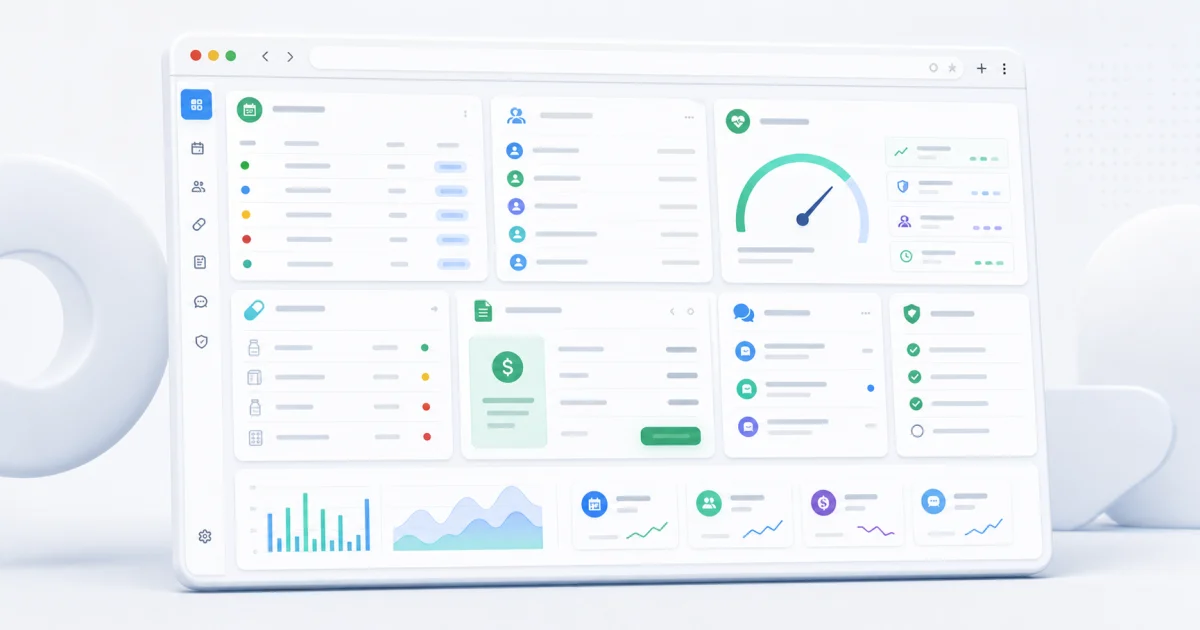
Operix gives clinics one Laravel SaaS workspace for public plans, owner signup, clinic switching, platform health, appointments, patients, pharmacy, billing, communications, and readiness checks.
Business 2 Apps License
Self-install from docs
Current taskChoose buyer path
Start by selecting why you are evaluating this product.
1. Buyer path
Which decision are you making?
Check whether the product solves the actual operating problem before buying.
2. Demo role
Which workspace did you inspect?
3. Screenshot task
Inspect one proof point.
4. Requirements
Confirm before-buy checks.
5. Risk review
Acknowledge pause signals.
Compare mode
Pick one product to compare against.
Choose a second product and the recommendation will explain the practical difference.