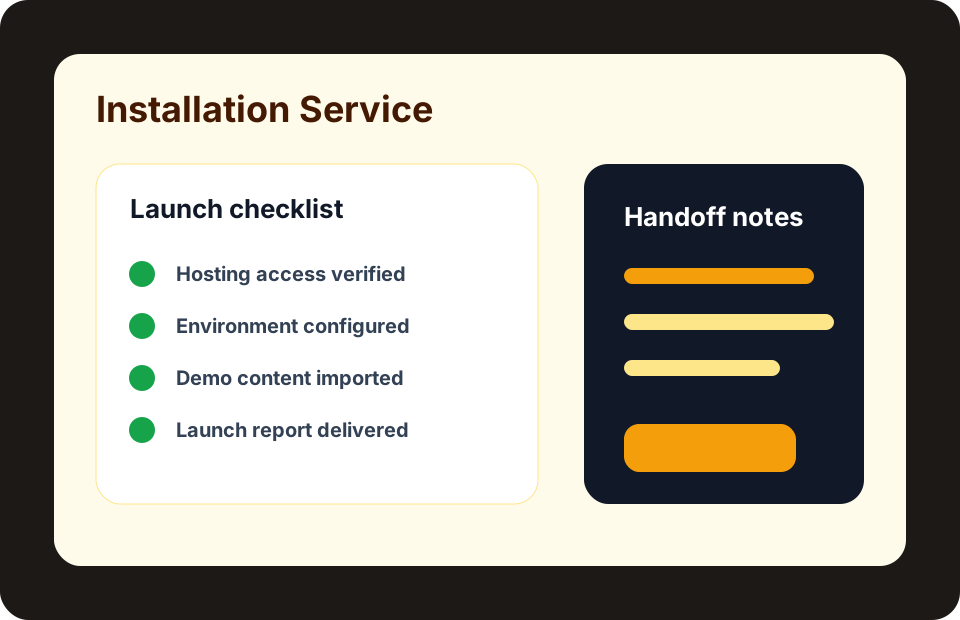
A support desk field note for turning vague customer messages into owned tickets, useful replies, evidence, SLA context, and a clean close.
A Real Moment
A customer writes, "It is not working." No product name, no domain, no screenshot, no urgency, and no hint whether money is blocked. The support team can still help, but only if the workflow turns that vague message into owned work.
The useful question is simple: Can an agent see the product, account, environment, urgency, owner, and next reply without digging through side chats?
That is why this note starts with the work, not with software vocabulary. For support teams and founders designing a clearer path from first customer message to final resolution, a support ticket workflow only matters when it helps a person finish a job with less guessing. In plain terms: customer requests should enter one queue, carry enough context, reach the right owner, meet response expectations, and close with a useful record.
The Human Problem
Support quality depends on clarity more than volume. When tickets lack context, agents ask repeated questions, buyers lose patience, and the same issue returns because the final answer was never recorded.
Most bad launches do not fail because nobody knew the fancy words. They fail because nobody wrote down what was supposed to happen for the buyer, manager, agent, or admin. Then every small mistake becomes a meeting: who owns this, where is the proof, why did the email not arrive, why is the account different from the order?
For Ovion Market, the rule is practical. A product, demo, guide, or service should be easy to explain to a non-technical owner, easy to test with a normal account, and easy to support after the first launch.
Walk It Like A Buyer
Follow one request from public form to requester view, agent queue, internal note, customer reply, resolution, feedback, and reporting. The workflow should make status, owner, risk, and next step visible at every stage.
TicketPro
TicketPro fits teams that need a complete support desk with public intake, customer tracking, team queues, SLA governance, evidence, reporting, and launch readiness in one Laravel app.
- The product has role-based demos for admin, staff, customer, and mobile review.
- Screenshots show the support workflow, operations checks, knowledge review, and reporting surfaces.
- The docs, requirements, and changelog are linked before checkout.
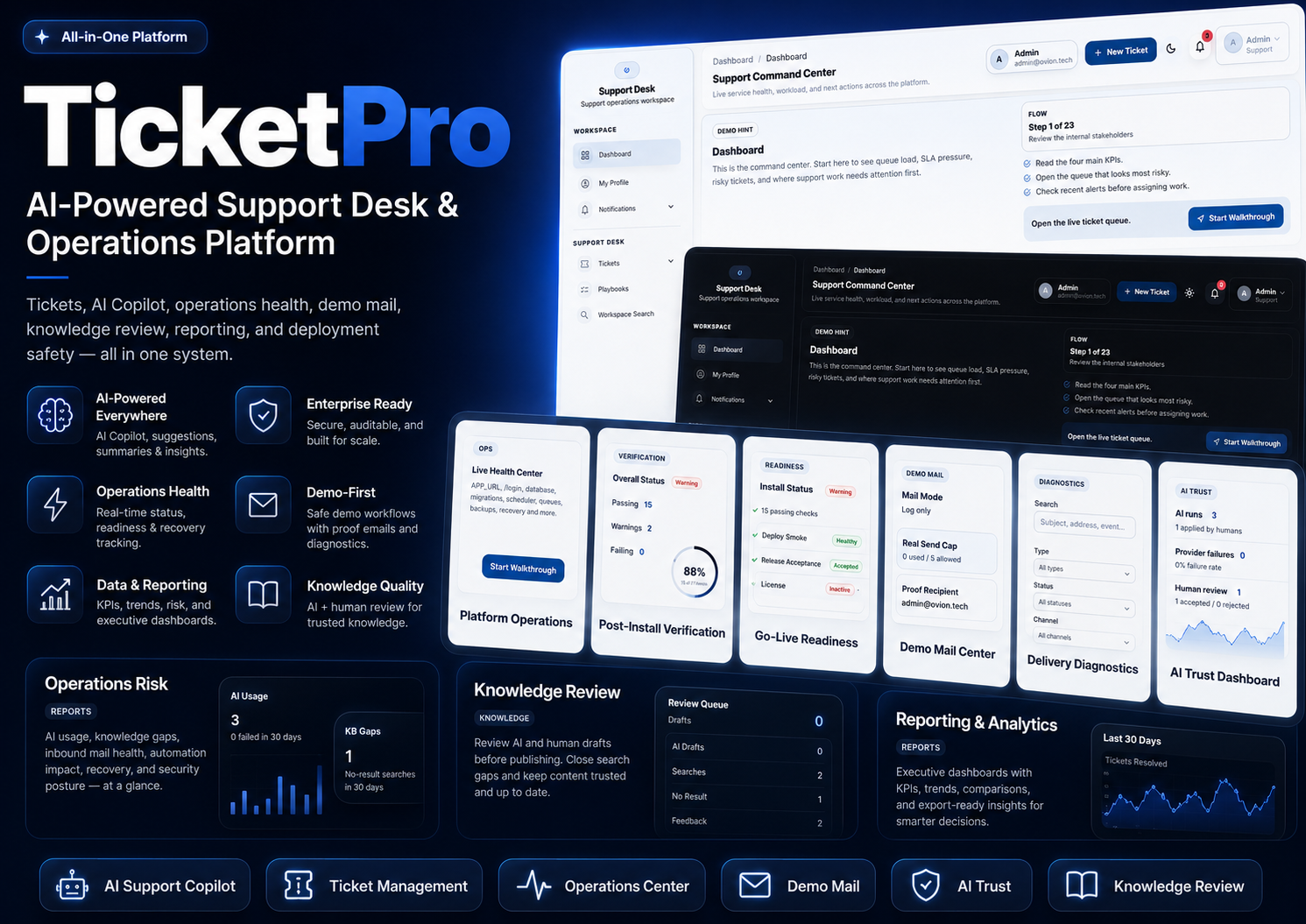
Platform overview
Start with the full support operations map: tickets, teams, customers, reporting, knowledge, security, and launch readiness.
- Support workspaceConfirm the product covers intake, queue work, replies, status, priority, SLA, and ownership before comparing price.
- Operations layerLook for reporting, automation, security, and production readiness because these decide whether the app can run after launch.
- Buyer proofUse the demo room, docs, screenshots, and proof report before checkout.
TicketPro buyer checks
- Confirm hosting stackPHP 8.2+, Laravel 12, queue worker, scheduler, mail, storage, and MySQL/MariaDB should be available before purchase.
- Open admin and requester demosReview intake, queue ownership, requester replies, SLA state, files, and reporting before checkout.
- Read docs and changelogCheck setup requirements, version 1.0.0, update notes, and what is included in the package.
- Match license to rolloutChoose a tier based on production and staging use, support window, and whether the buyer needs setup help.
- No Laravel hosting ownerPause if nobody can manage PHP, database, queue, scheduler, mail, storage, and deployment work. Request setup help first.
- Need a hosted SaaS immediatelyTicketPro is sold as a Laravel app license. Hosted SaaS provisioning should be requested separately.
Turn this guide into a buyer proof run
Choose TicketPro, inspect one product screen, confirm before-buy checks, and save the result as a proof report.
- Confirm hosting stack
- Open admin and requester demos
- Read docs and changelog
Keep a record of what you inspected
Generate a shareable evaluation report after opening roles, screenshots, docs, compatibility notes, and setup checks for TicketPro.
Open demo roomStart with the main user action. Ask who uses it, what they enter, what they expect to see next, and what confirmation they receive. Then test the quiet parts that usually create support pain: emails, permissions, payment states, mobile layout, failed attempts, and support notes.
Translate every technical item into a normal sentence before you move on. A webhook means "the payment company tells your store what happened." A license activation means "this domain is allowed to use the purchase." A visual builder revision means "you can restore the older page if the new edit is wrong."
Decision Flow
Use the flow as a short working map. Start with what happened, name the owner, inspect the screen, collect proof, and choose the next human action before the topic turns into an open-ended technical task.
Checks Worth Doing First
- Collect product, account, environment, and urgency at intake.
- Assign ownership before the first reply.
- Track SLA risk separately from ticket priority.
- Attach evidence when the issue needs a technical review.
- Close the ticket with the final fix or next-step note.
These checks are intentionally small. They help you spot the difference between a nice demo and a product that is ready for your own store, service site, SaaS account, or team workspace.
Keep the first message, assigned owner, SLA state, screenshot or log, customer reply, and final fix note together before closing the ticket.
How It Maps To Ovion Market
Ovion Market connects product pages, docs, buyer accounts, license details, and support handoff. This guide stays broad so it supports marketplace trust without turning the article into a direct product ad.
The related Ovion Market context is TicketPro. That does not make this a sales page. It means the note is tied to real marketplace behavior: products need requirements, demos, downloads, licenses, checkout states, support paths, and clear public pages.
Mistakes I Would Watch For
- Opening support tickets without product or environment context.
- Treating SLA risk and business priority as the same field.
- Resolving issues without recording the final fix.
- Letting knowledge base gaps repeat as new tickets.
Most launch problems come from skipped basics, not from advanced code. Confirm the product fit, test the everyday path, write down support expectations, and avoid sending paid traffic to a page or checkout that has not been checked.
Final Note For The Handoff
Before you move from planning to launch, write down the owner, the expected result, the test account used, and the page or screen where the result was checked. That small record helps buyers, developers, support staff, and marketers stay aligned. It also makes future updates easier because the team can compare the new behavior against a clear baseline instead of relying on memory.
Helpful Internal Links
Source Notes
- Laravel documentation: https://laravel.com/docs
- OWASP web security guidance: https://owasp.org/www-project-top-ten/